Corva
For gaming creators on Windows
Your stream deserves more than a clip tool.
You deserve one that knows you.
Get early access
Be first to know when the beta goes live.
For gaming creators on Windows
Your stream deserves more than a clip tool.
You deserve one that knows you.
Be first to know when the beta goes live.
How it works
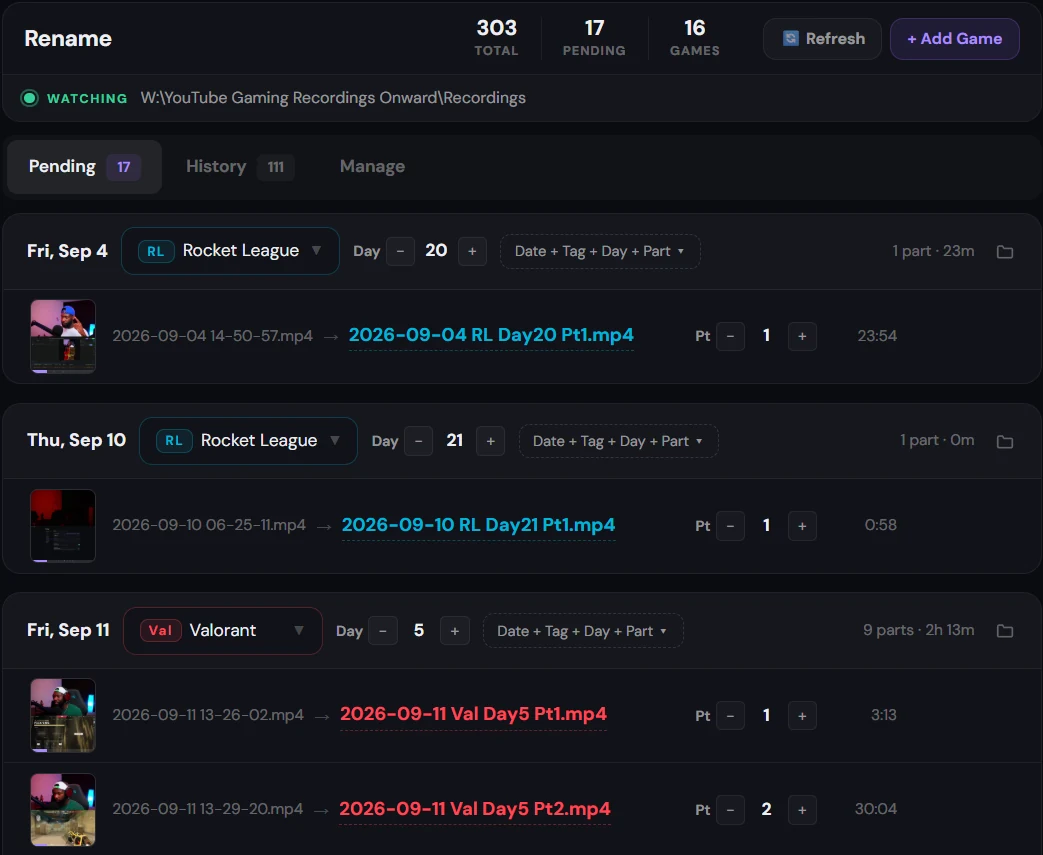
Corva watches your OBS folder and names every file by game, day and part.
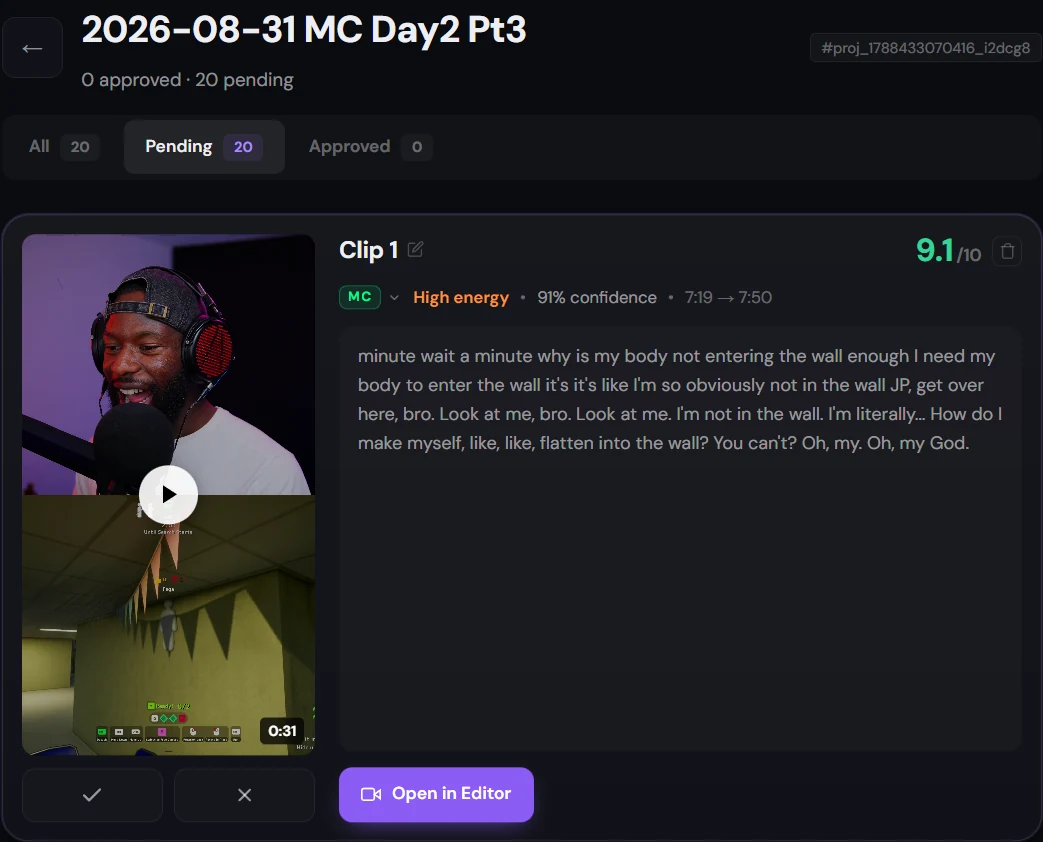
It knows the game you played, so the clips it pulls are the ones you'd have cut yourself.
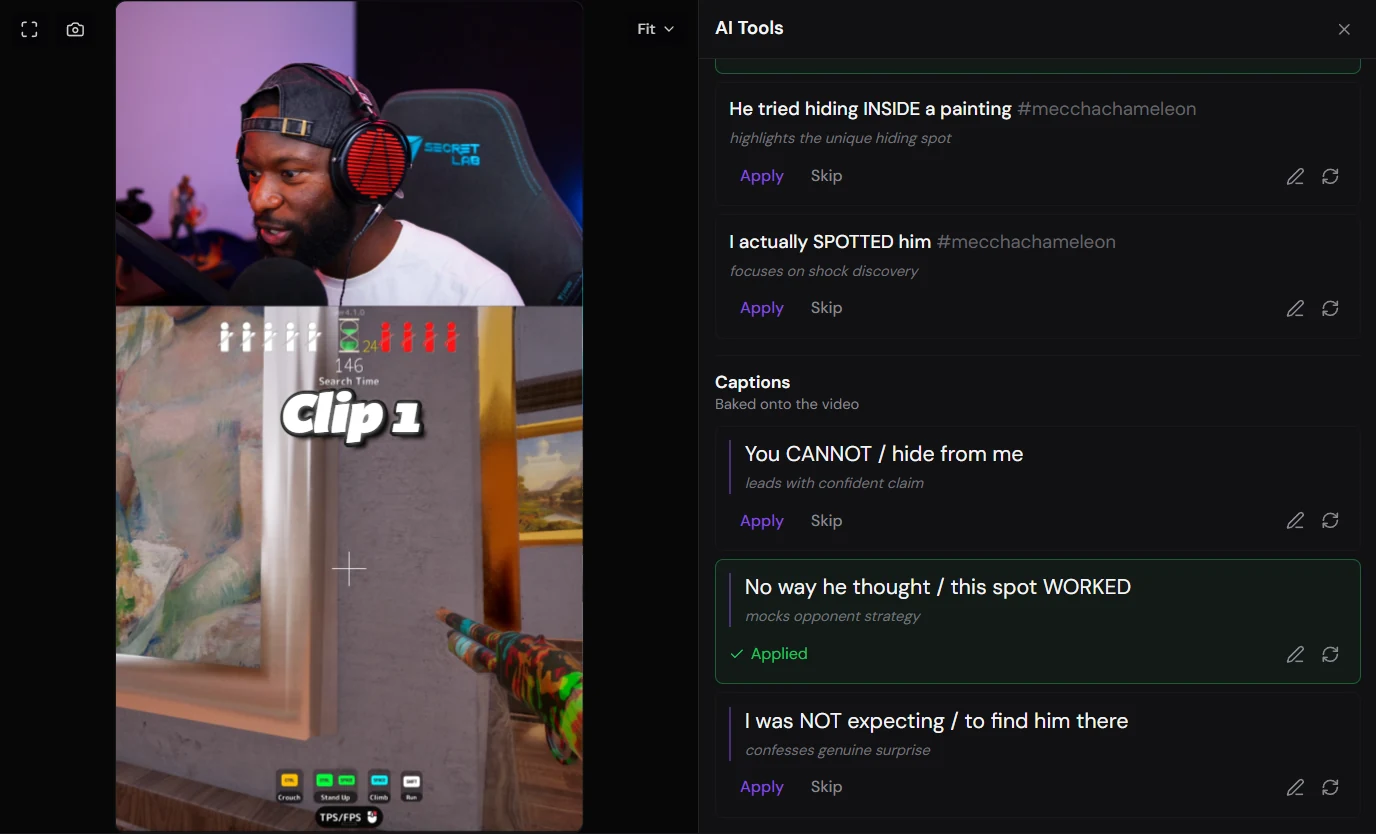
Vertical, subtitled word by word, titled the way you write.
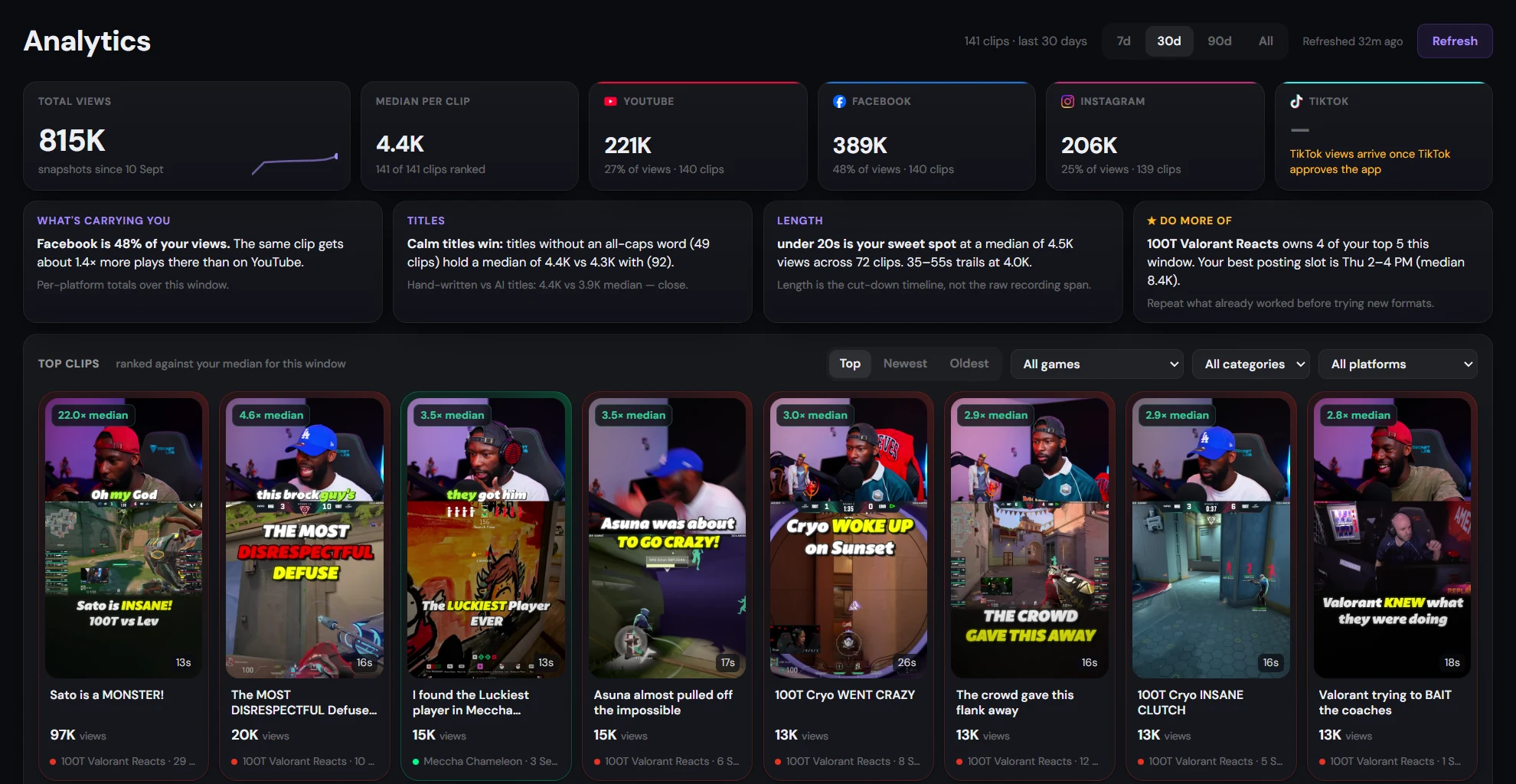
On your schedule to TikTok, YouTube Shorts, Instagram and Facebook, with every clip's views in one place.